
Are you looking for an honest review of the COOLMOON CM-M2A SSD heatsink? This article will provide that!
Most of us think that only the processor and graphics card need cooling in a PC. We often overlook storage devices, especially SSDs, until we notice slower game loads, random lag when transferring files, or the OS feeling sluggish for no apparent reason. If that sounds familiar, your SSD might be overheating—literally.
That’s precisely where I was. I repurposed the Samsung Gen 3 PCIe SSD from my older laptop as a secondary drive in my Ryzen 7 PC build. When I was transferring files and working with virtual machines, I noticed that the performance was limited. It turned out that it was experiencing thermal throttling—a fancy way of saying that it was running too hot to perform optimally.
Recommended Product!

- ★5V 3Pin mainboard synchronization + small 4PN controller interface, strong expansibility.
- ★The main board is synchronized with light, 5V ARGB programmable custom lighting.
- ★Cool appearance, efficient heat dissipation.
Last update on 2026-03-03 / Affiliate links / Images from Amazon Product Advertising API
So, I started looking for a solution and found the COOLMOON CM-M2A ARGB SSD Cooler/Heatsink. This affordable gadget promised cooler temperatures and some flashy, customizable RGB lights. Too good to be true, so let’s break this down. Is this 10$ bling any good?
What’s Inside!
Package Content – COOLMOON CM-M2A SSD Heatsink

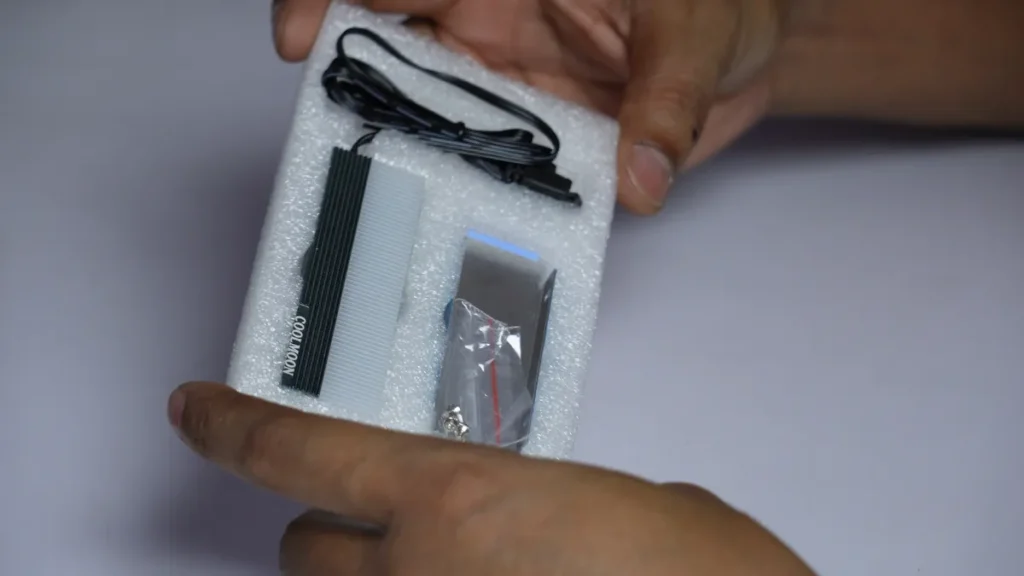
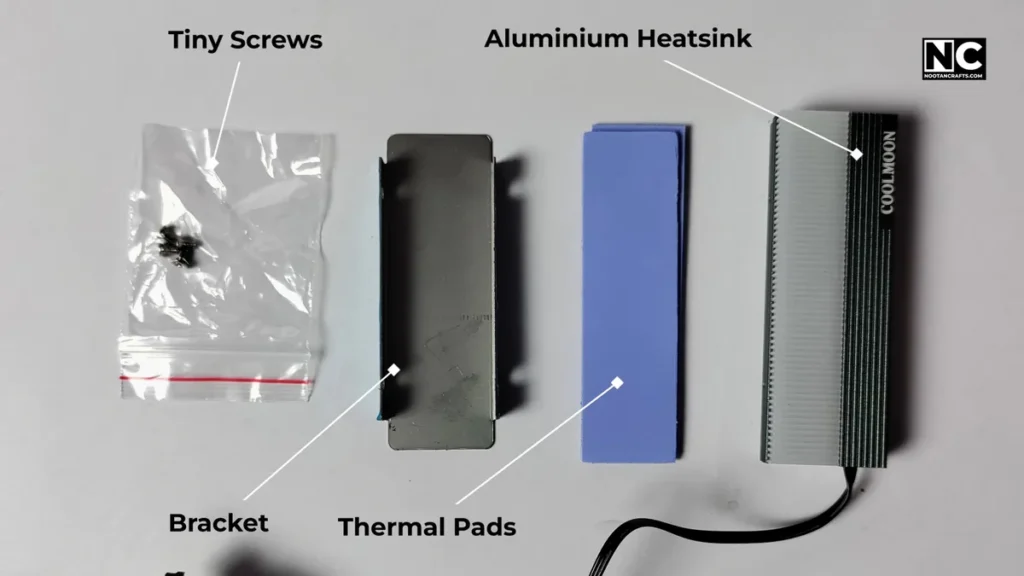
As I opened that package, I was honestly impressed with its clean and just “enough” packaging. Inside the box, you’ll get:
- A solid chunk of anodized aluminium, which is the main heatsink and keeps our SSD cool.
- Two thermal pads (and decent quality, not the squishy cheap ones)
- Mounting bracket and tiny screws
- A 5V ARGB wire with male and female sockets to sync with your motherboard lighting
- And no manual—but it’s honestly easy enough to figure out
The heatsink has some nice weight to it, and the brushed and dark green finish gives it a clean, industrial vibe. Altogether, it doesn’t feel like a cheap knockoff.
How to Install the COOLMOON CM-M2A SSD Heatsink
Installing this thing was way easier than I expected. I didn’t even need extra tools—a tiny Philips screwdriver and a bit of patience is all you need.
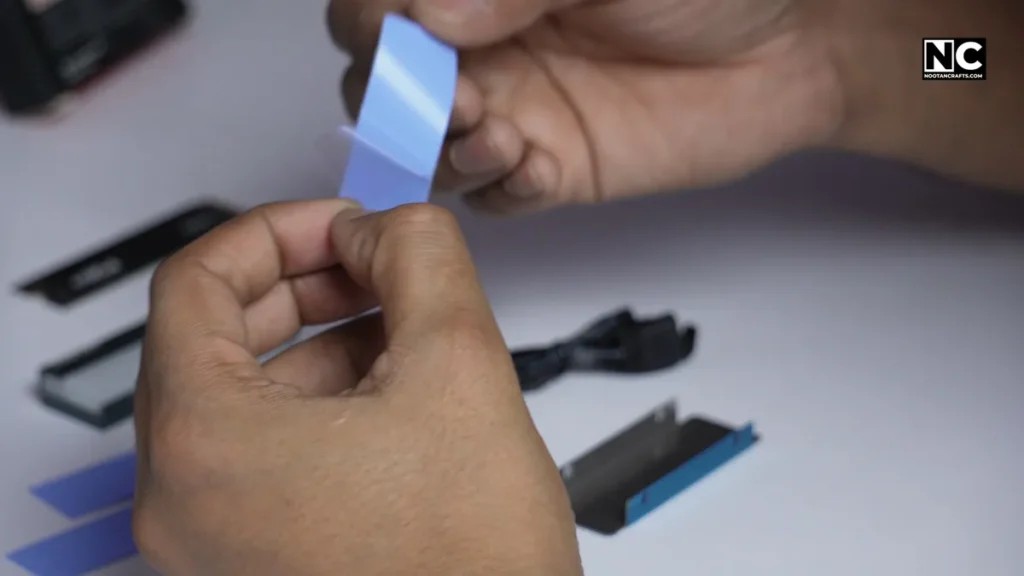
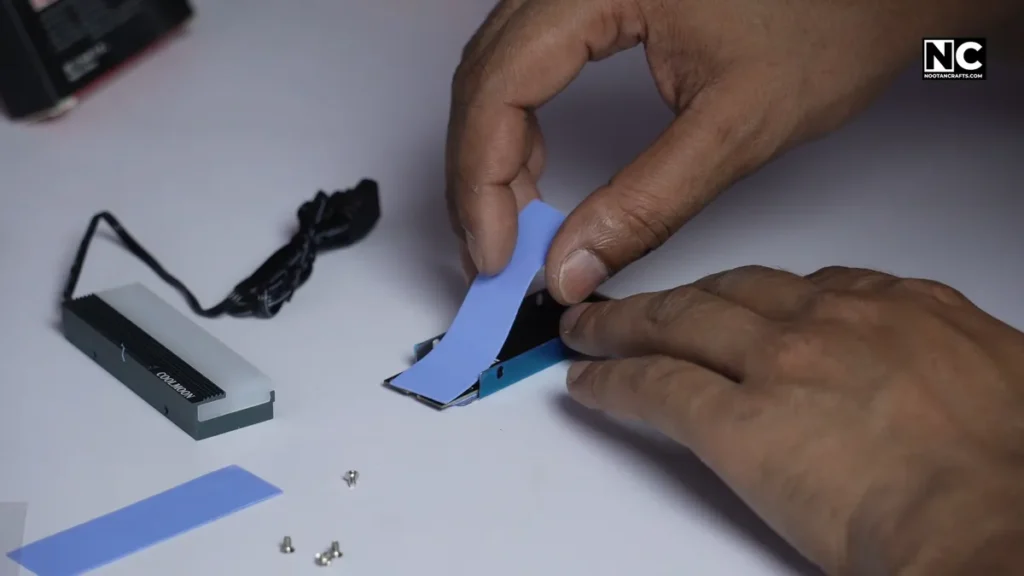
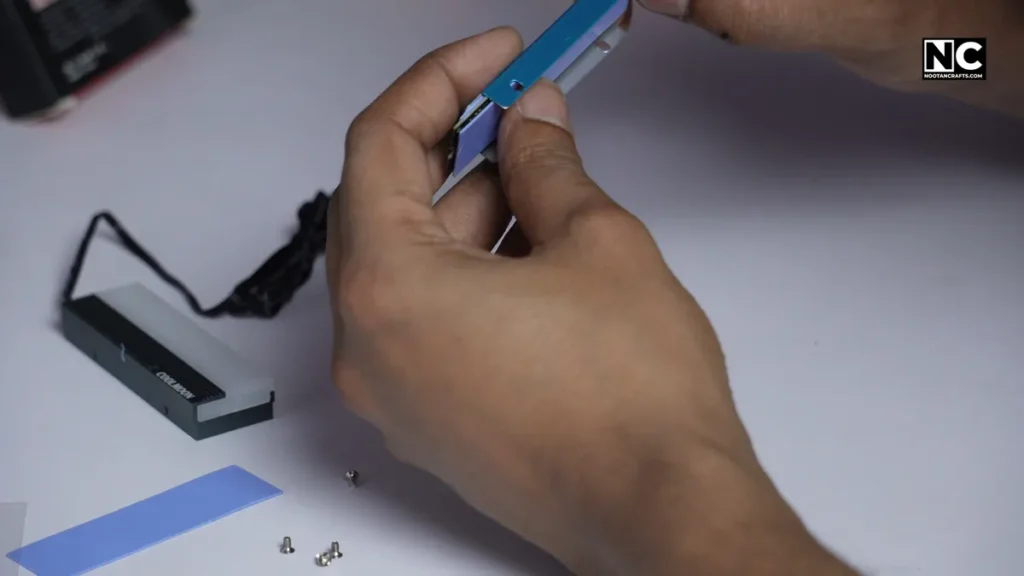
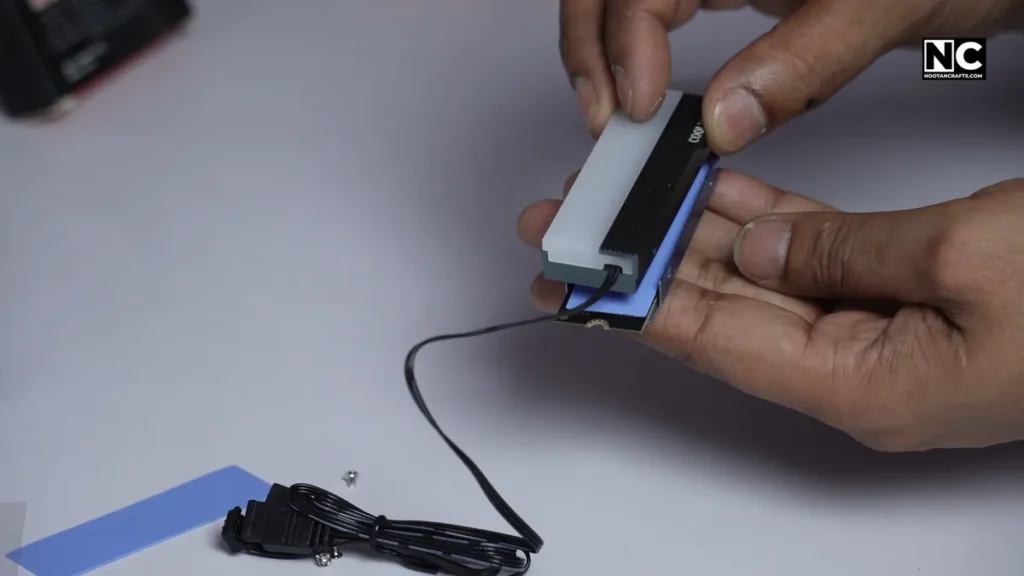
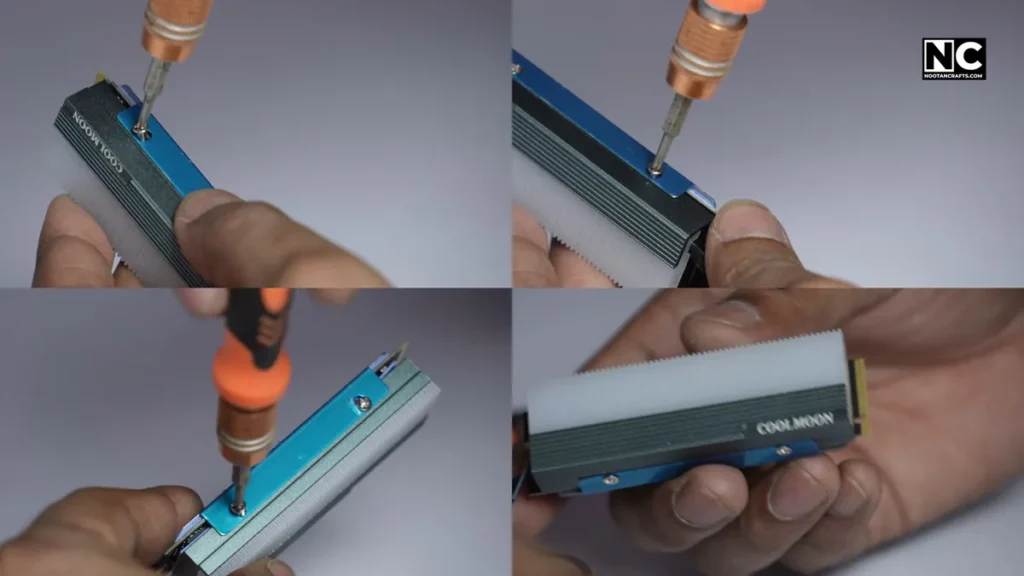
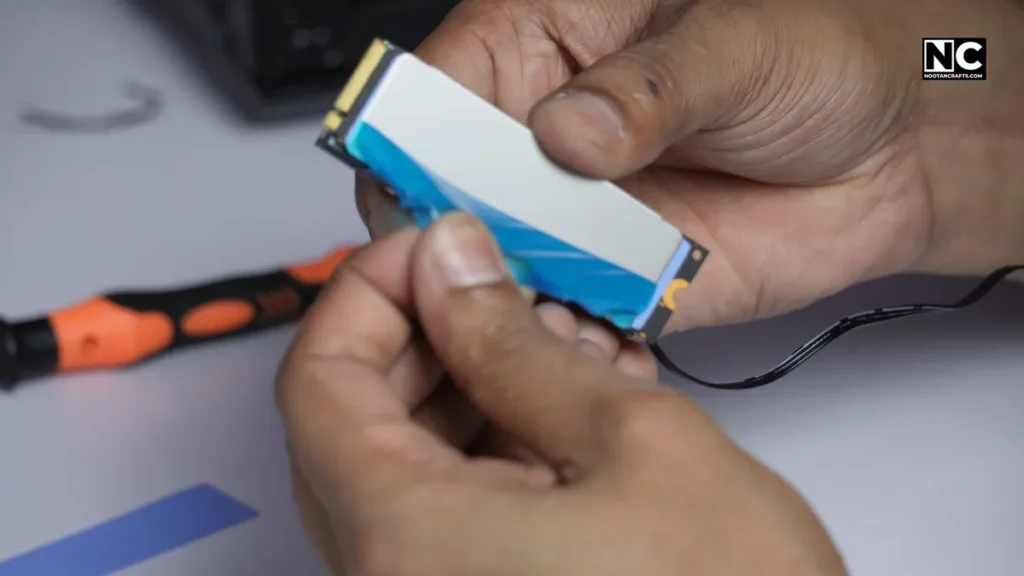
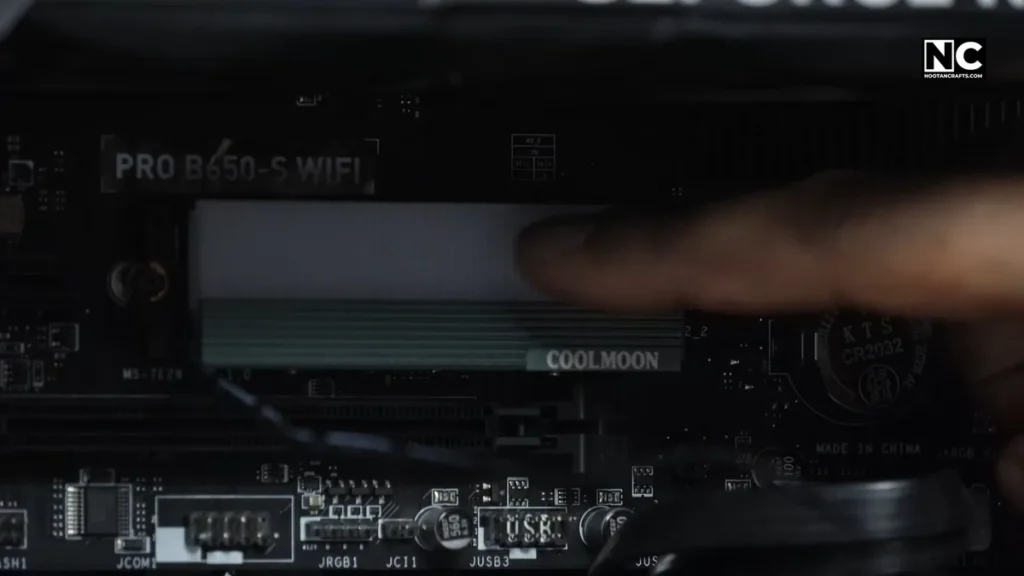
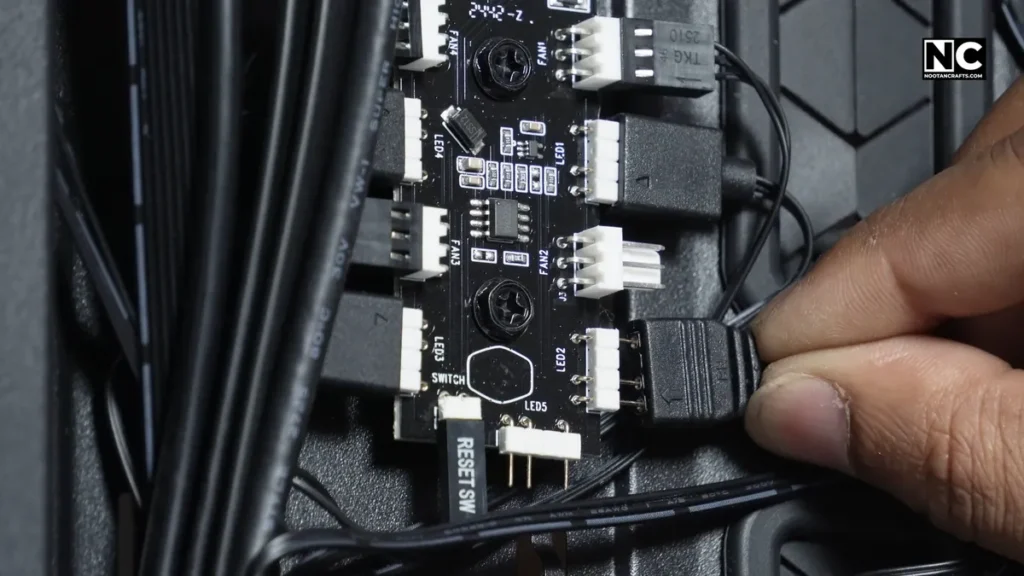
Here’s how I installed the COOLMOON CM-M2A SSD Heatsink (and how you should too):
- Peel off the protective film from the thermal pads—it’s a crucial step, or they won’t transfer heat properly.
- Place the pads directly over the SSD’s hot zones— cover both the controller and NAND chips. The thermal pads are too long anyway.
- Position the aluminium block over the pads and sandwich the SSD with the help of the bracket.
- Attach the brackets with the screws and secure everything. Make sure it’s firm but not too tight.
- Peel off the protective film from the heatsink.
- Install the SSD into your M.2 slot gently and secure it with a clamp or screw, whichever is applicable.
- Plug the ARGB cable into your motherboard’s 5V 3-pin header. Or you can daisy chain it with your existing ARGB components.
That’s it. No rocket science, no software drama. It took me, at most, 10 minutes.
Pro tip: Don’t forget to remove the protective film from both sides of the thermal pads; it may appear to be invisible due to its transparency. You might end up heating your SSD instead of cooling it by trapping the heat inside.
Now let’s talk about the essential thing, cooling!
Performance Test – Does It Cool?
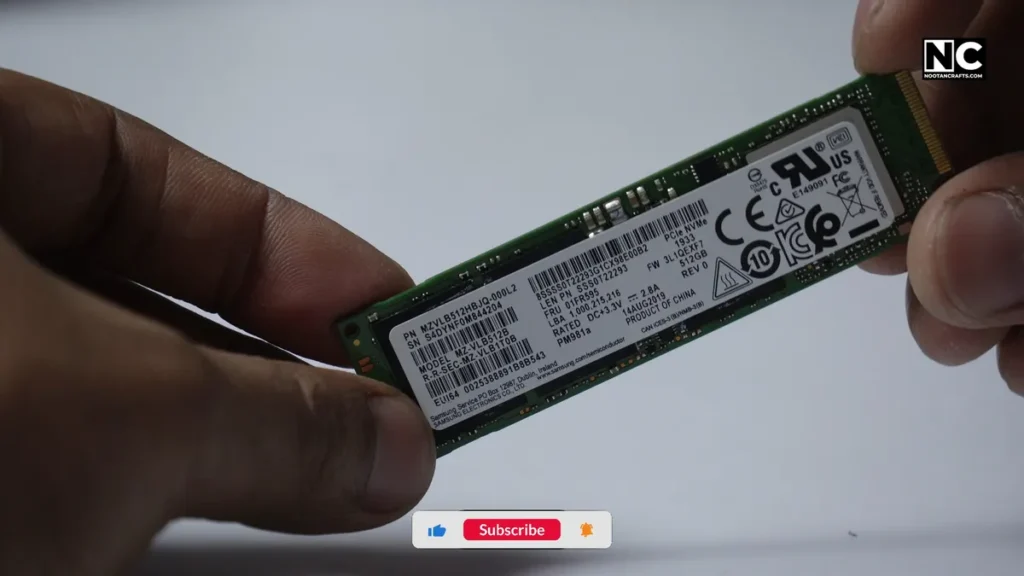
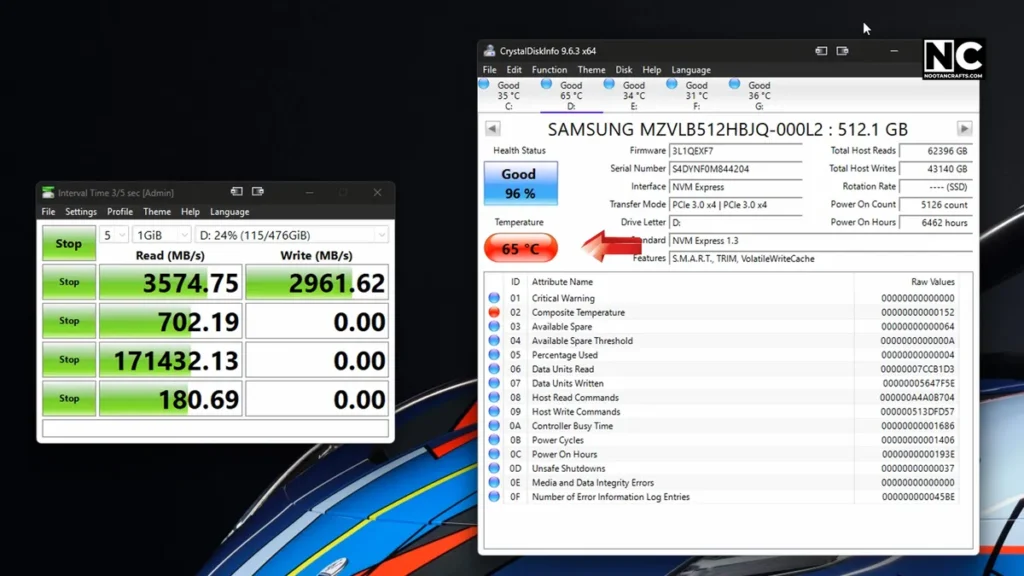
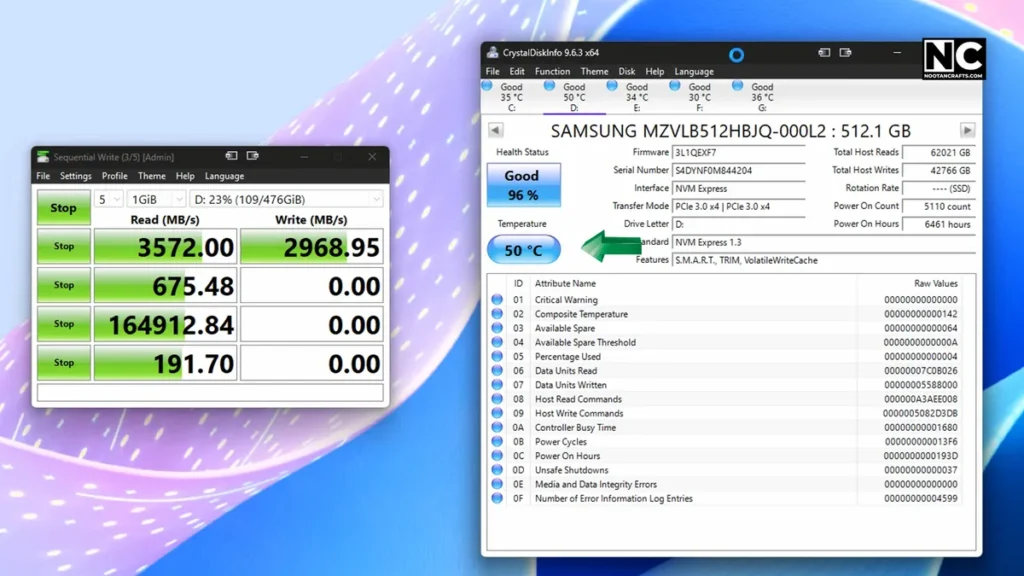
Okay, now let’s get to the crucial part—does it keep temperature under control, or look fancy with RGB lighting?
So, I threw it on a Samsung Gen3 NVMe SSD that I know runs hot under load. I ran multiple read and write tests at peak file transfer speed. Here are the results.
Without the heatsink:
🔥 65°C peak under sustained load
With the CM-M2A installed:
❄️ 50°C max on the same test
That’s a 15°C drop, folks. Not bad for something that costs less than a pizza.
Even better? I didn’t experience any thermal throttling as I tested with gaming and transferring files, which sucks earlier. The SSD maintained its speed throughout the test, instead of dipping halfway through, as it usually does. Honestly, I didn’t expect such a result from a passive cooler of this affordability.
How Good Is the RGB Lighting?
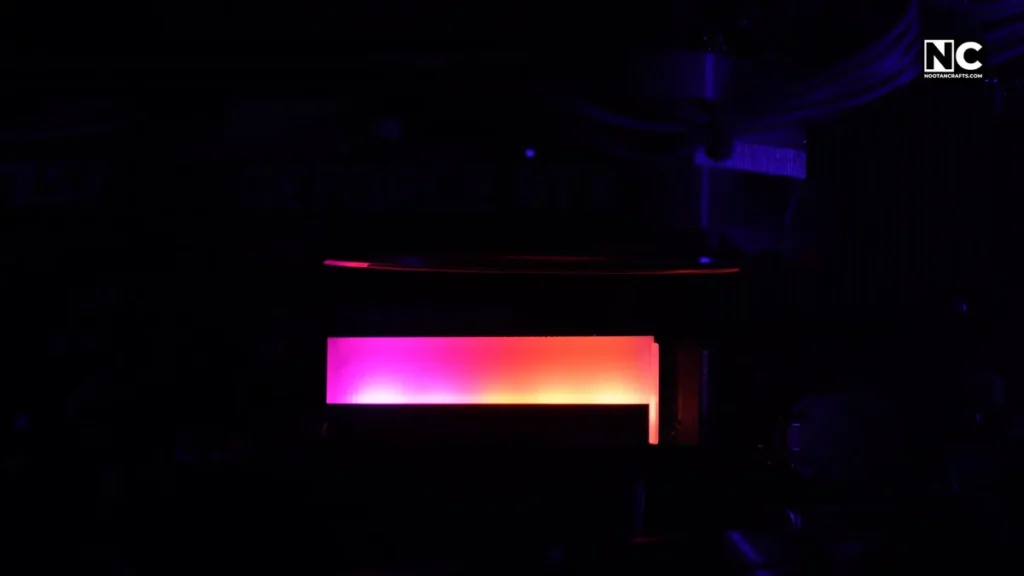
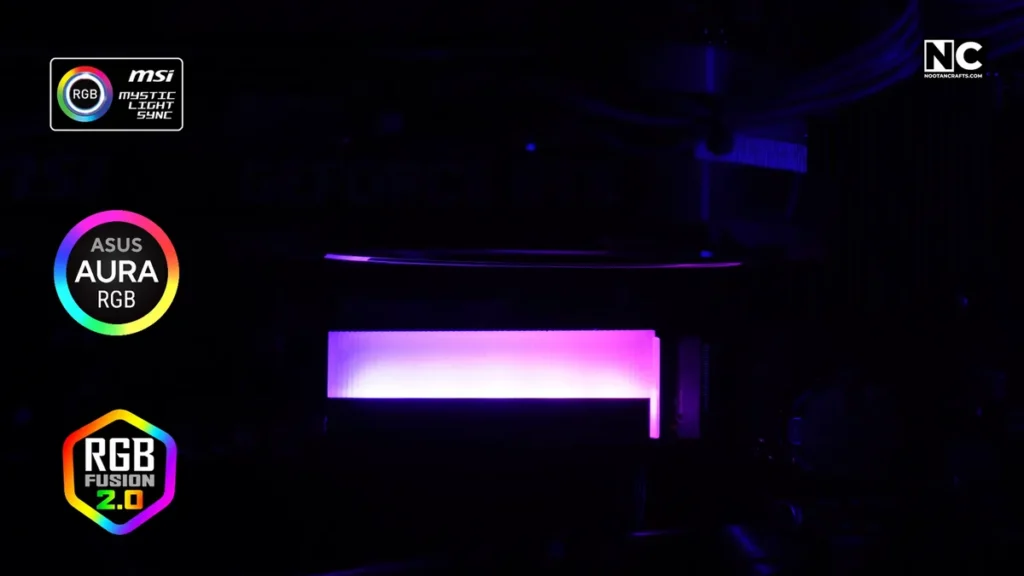
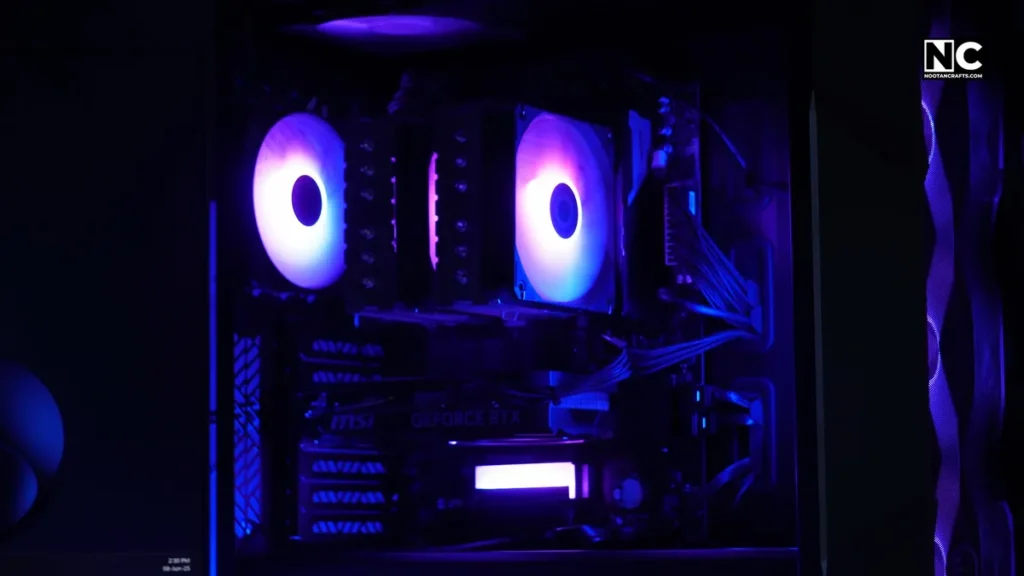
Now, I’m not going to lie—I bought this cooler to prevent my SSD from overheating, but the RGB lighting is a sweet bonus. It’s ARGB, meaning you can control it fully using your motherboard’s software.
I hooked it up to MSI Mystic Light, and boom—it synced perfectly with the rest of my case lights to show uniform effects. You can use Aura Sync, RGB Fusion, or whatever your board supports as long as you’ve got a 5V 3-pin header.
The lighting itself is subtle, not too flashy or blinding, more like an elegant underglow, which gives professional vibes. It just adds that little touch of polish to your SSD area, especially if you’ve got a transparent side panel like I do.
If you’re not into RGB, you can leave the cable unplugged. It’ll still function as a heatsink due to its passive cooling nature.
Is It Worth the ₹800–₹1000 Price Tag?
Let’s talk value. At around ₹850 (or about $10), here’s what you’re getting:
- Actual cooling that prevents throttling ✅
- Simple installation ✅
- ARGB lighting that syncs perfectly with all setups ✅
- Longer SSD life by keeping temps in check ✅
- A more complete-looking build ✅
Would I recommend this for Gen 5 SSDs that run significantly hotter than Gen 4? Eh, probably not. However, for Gen3 and most Gen4 drives, especially those without pre-installed heatsinks, this is a solid upgrade.
Recommended Product!
- ★5V 3Pin mainboard synchronization + small 4PN controller interface, strong expansibility.
- ★The main board is synchronized with light, 5V ARGB programmable custom lighting.
- ★Cool appearance, efficient heat dissipation.
Last update on 2026-03-03 / Affiliate links / Images from Amazon Product Advertising API
General FAQs Regarding COOLMOON CM-M2A SSD
Q1: Will this cooler fit any NVMe SSD?
It fits standard M.2 2280 drives. Ensure your slot has sufficient vertical clearance, especially near the GPU.
Q2: Can I install it without connecting the RGB?
Yep! The ARGB is optional. The cooler works passively either way.
Q3: Is it compatible with all motherboards?
As long as your motherboard supports a 5V ARGB 3-pin header, it works.
Q4: Does it come with pre-applied thermal pads?
They’re not pre-applied, but they are included. You need to remove the film from both sides and place it.
Q5: Is it loud or active in any way?
Nope—it’s a 100% passive cooling device, which means no noise.
Q6: Will it help with thermal throttling?
Yes! That’s exactly what it’s designed for, and in my tests, it worked very well.
Conclusion
If your SSD is being used bare and you’ve experienced slowdowns or high temperatures, the COOLMOON CM-M2A ARGB heatsink is an easy and affordable fix. It doesn’t just look cool—it cools!
Whether you’re trying to prevent throttling, extend your SSD’s life, or want your rig to look cleaner, this cooler is a smart upgrade. Tell me your story in the comments. How did you save your SSD from cooking itself? Keep crafting. Thanks for reading!


